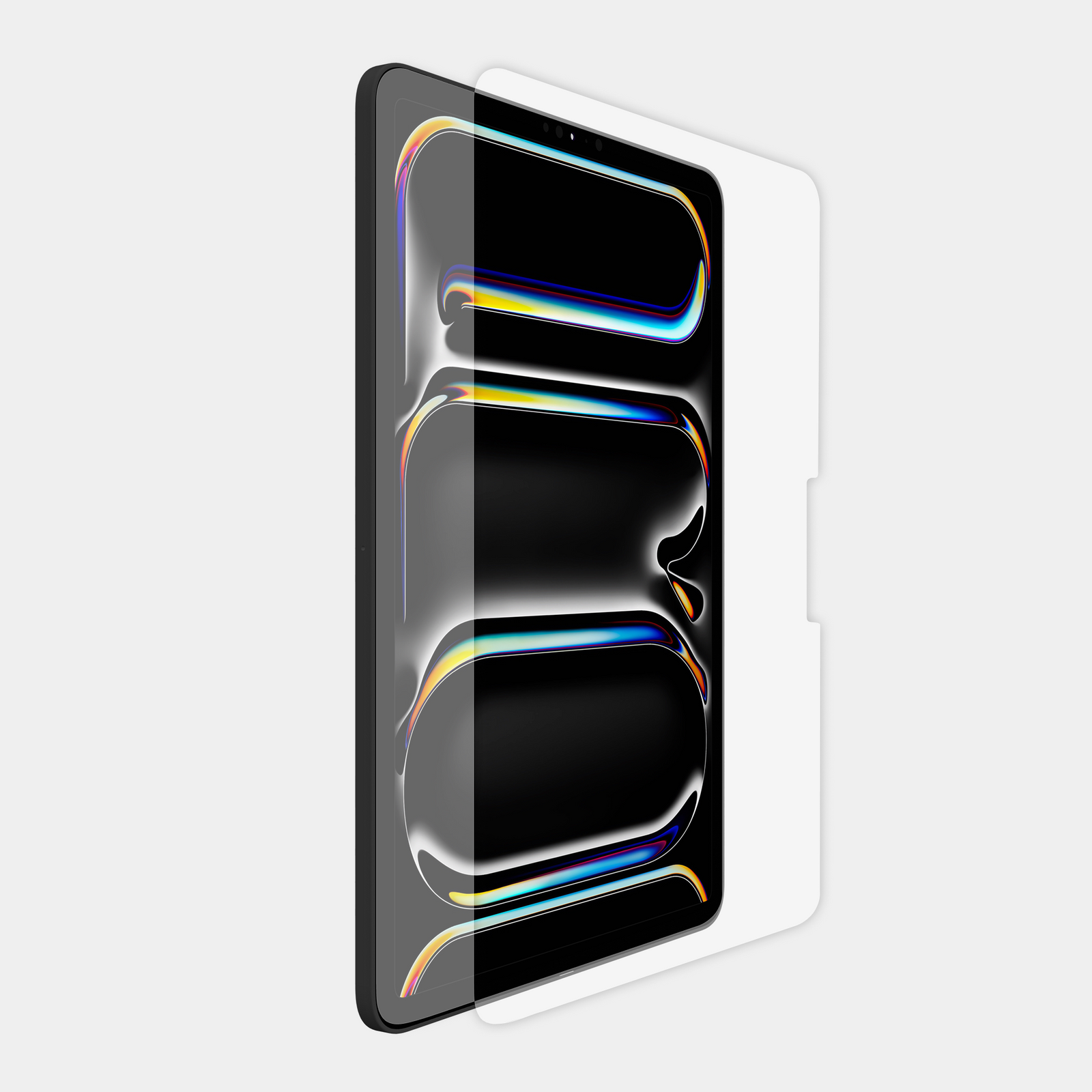
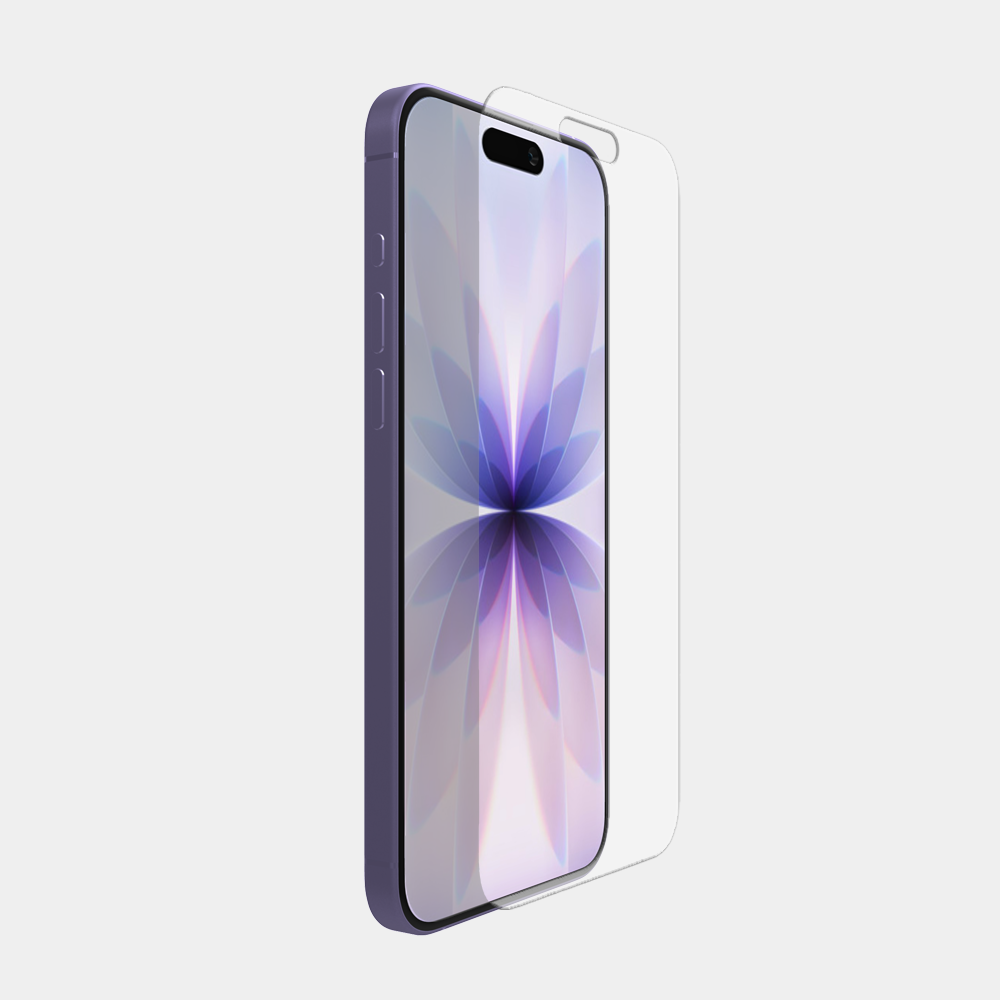
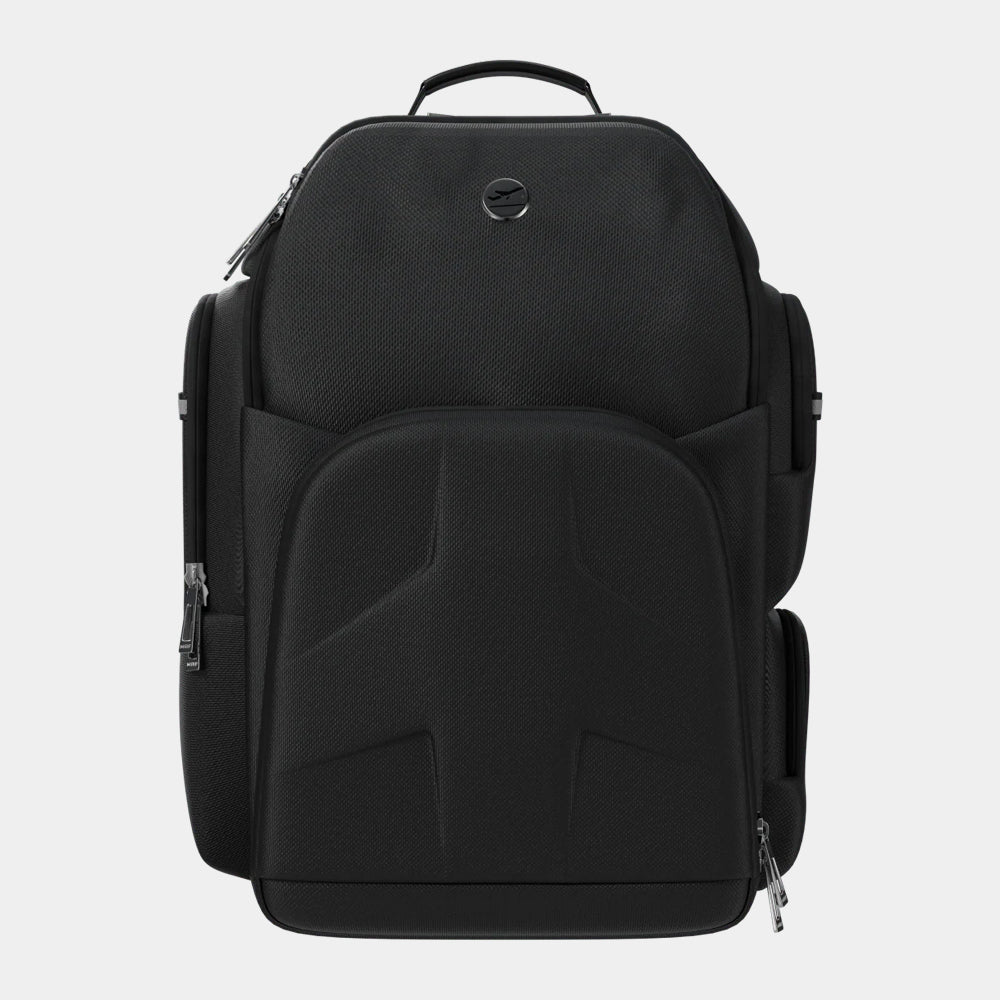
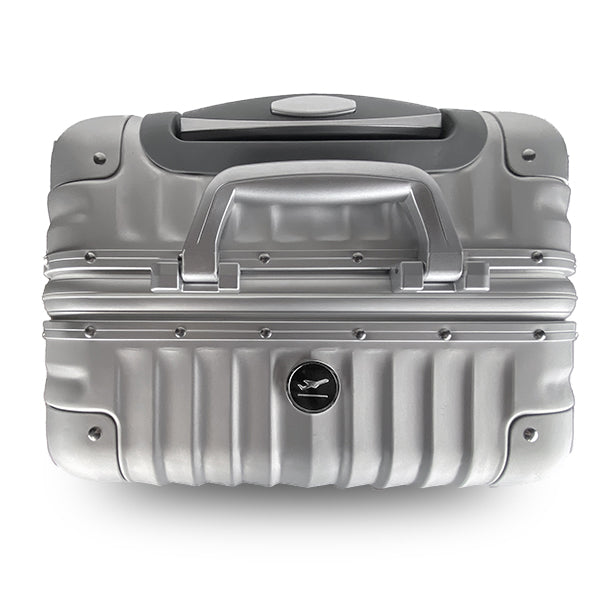
$164.00
 $109.00
 $49.99
 $49.99
 $24.99
 $129.00
 $329.00

Use this guide to quickly determine which model and generation iPad you currently have. From here you can use our iPad list to ensure you order the correct device holder and screen protector.
Use this guide to quickly determine which model and generation iPad you currently have. From here you can use our iPad list to ensure you order the correct device holder and screen protector.

On some iPad models, find the model number on the back of your device. Google this model number to determine your iPad model and generation.
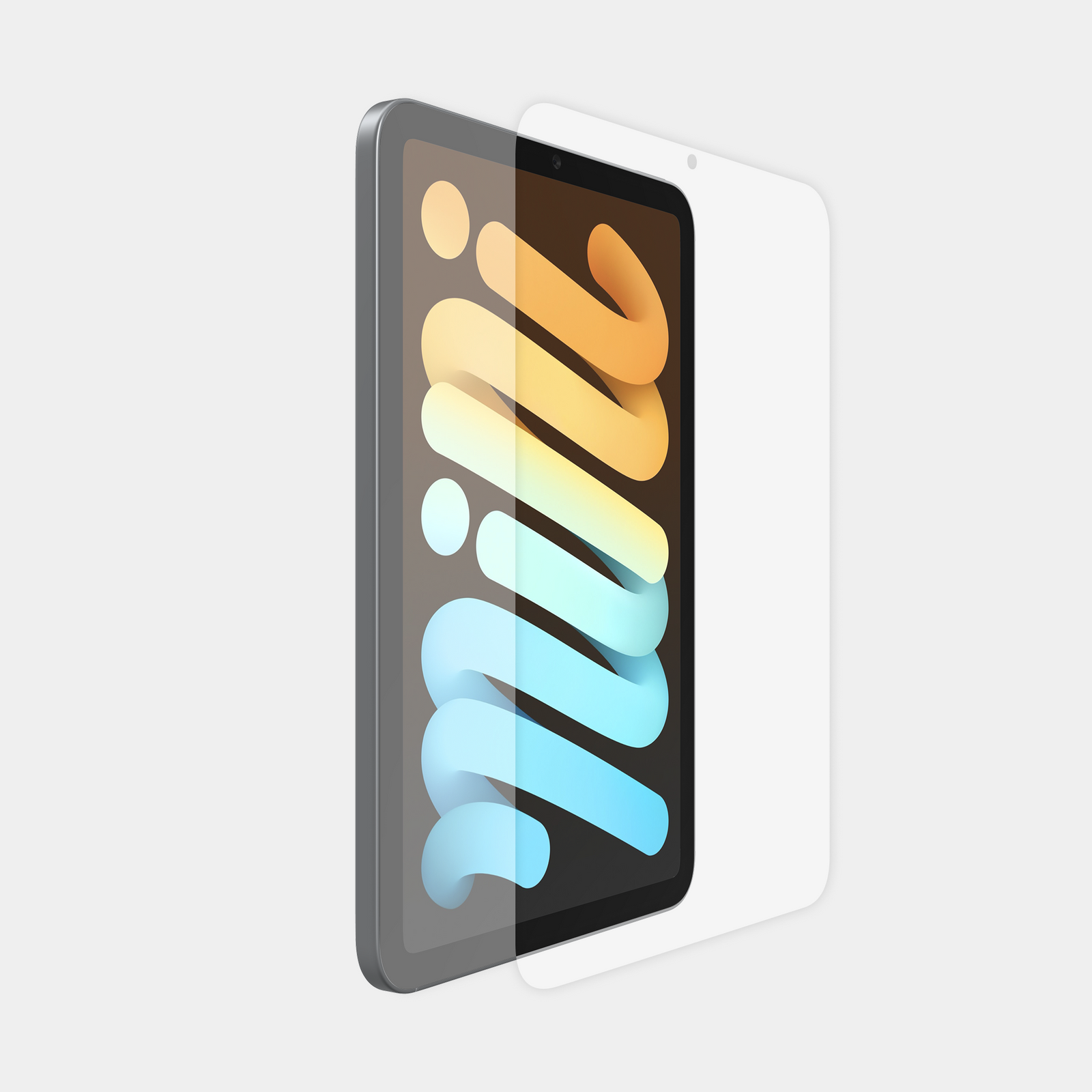
Use this information to select the correct MyGoFlight Device Holder or Armorglas Screen Protector.
On some iPad models, find the model number on the back of your device. Google this model number to determine your iPad model and generation.
Use this information to select the correct MyGoFlight Device Holder or Armorglas Screen Protector.