Search

HUD Overview

Operational Capabilities

  • Safer Take-offs
    Rotate exactly at rotation speed for maximum obstacle clearance and runway remaining
  • Smoother Hand Flying
    Ability to maintain altitude and precision turns by looking outside and seeing position information at the same time
  • Minimize Loss-of-Control
    Alignment of critical flight information with pilot's outside view enhances situational awareness and aids in the transition from IMC to VMC and inadvertent VMC to IMC
  • Safer Approach/Precision Approach
    Flight path marker with the flight director cue makes hand flying an approach intuitive, easier, smoother and safer. Major reduction in workload, critical in single pilot and/or IMC operations
  • More Comfort
    Gone is spatial disorientation, vertigo and nausea from up/down/up head movement to retrieve information while experiencing g-forces in climb out
  • Visibility in Smoke/Backup Display
    Provides avionics visibility in a smoke filled cockpit or when a display fails

Get The Right Gear For Your Device

Get The Right Gear For Your Device

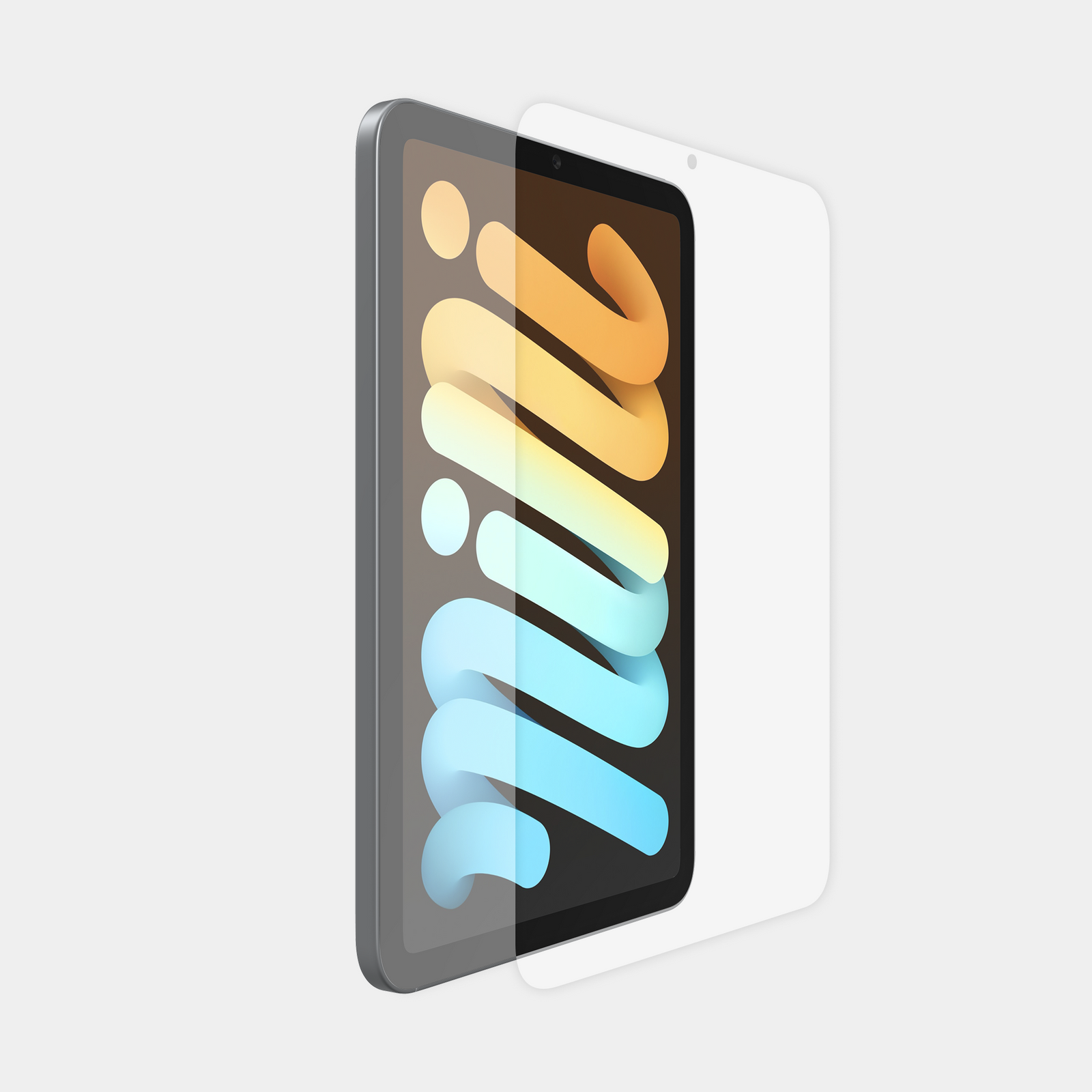
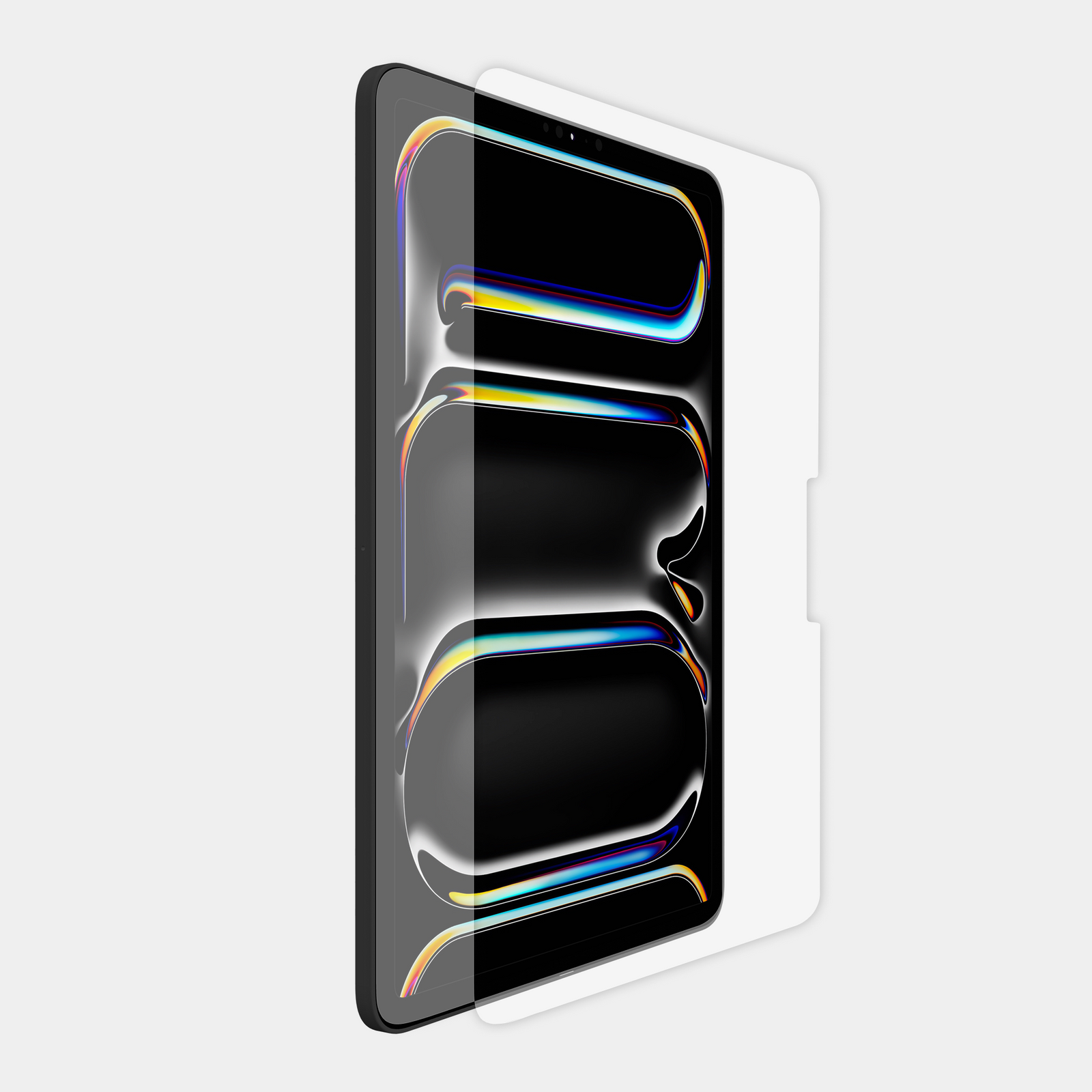
Use this guide to quickly determine which model and generation iPad you currently have. From here you can use our iPad list to ensure you order the correct device holder and screen protector.

Use this guide to quickly determine which model and generation iPad you currently have. From here you can use our iPad list to ensure you order the correct device holder and screen protector.

Look In Settings

Look In Settings

  1. Open the Settings app, then tap General.
  2. Tap About.
  3. This will give you the iPad model name and generation.
  4. Use this information to select the correct MyGoFlight Device Holder or Armorglas Screen Protector.
  1. Open the Settings app, then tap General.
  2. Tap About.
  3. This will give you the iPad model name and generation.
  4. Use this information to select the correct MyGoFlight Device Holder or Armorglas Screen Protector.

Check The Back

Check The Back

On some iPad models, find the model number on the back of your device. Google this model number to determine your iPad model and generation.

Use this information to select the correct MyGoFlight Device Holder or Armorglas Screen Protector.


On some iPad models, find the model number on the back of your device. Google this model number to determine your iPad model and generation.

Use this information to select the correct MyGoFlight Device Holder or Armorglas Screen Protector.

Search our collections