$164.00
 $109.00
 $49.99
 $49.99
 $24.99
 $129.00
 $329.00

Get Them While They're Here!
“Excellent Product” -
Allen Nodorft - Customer
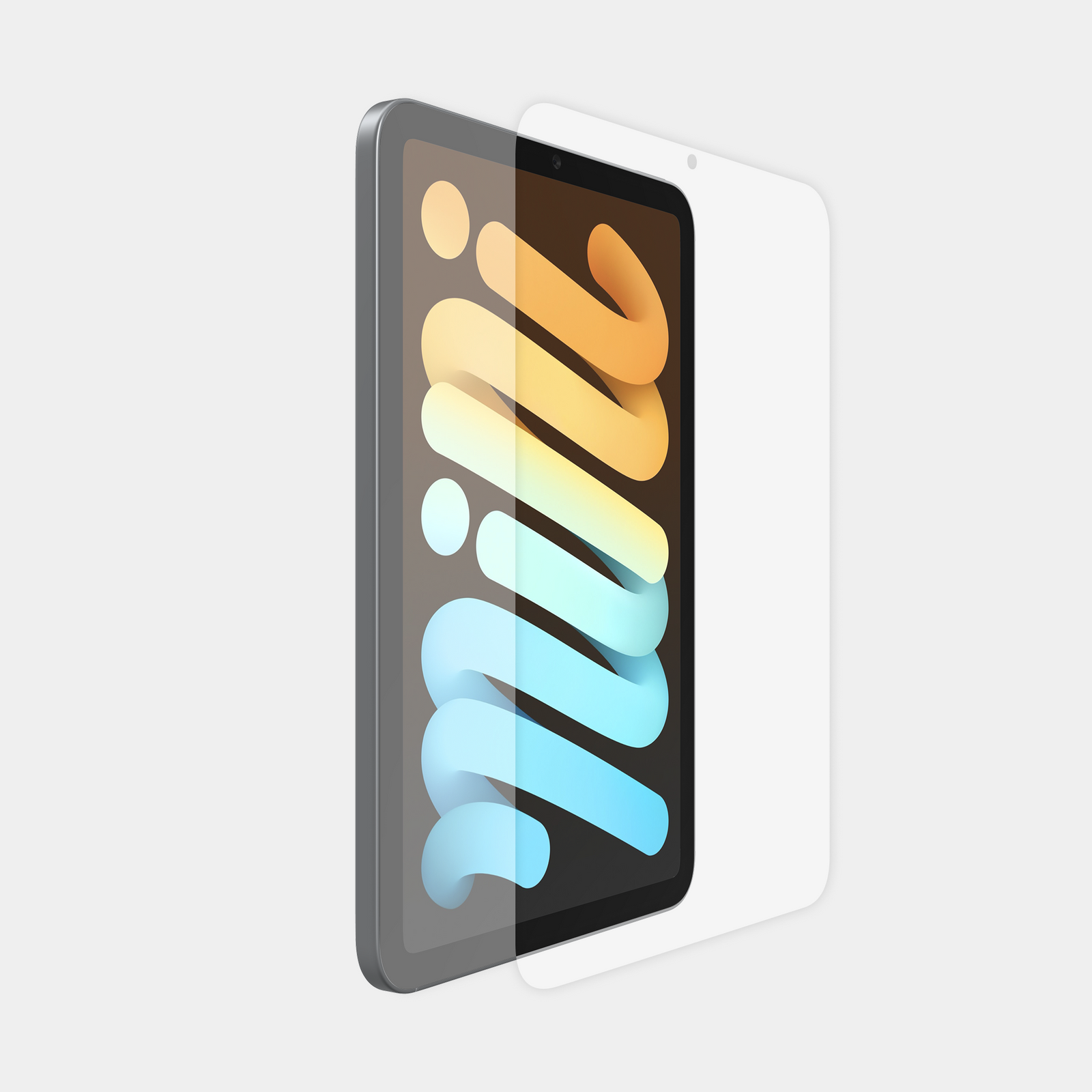
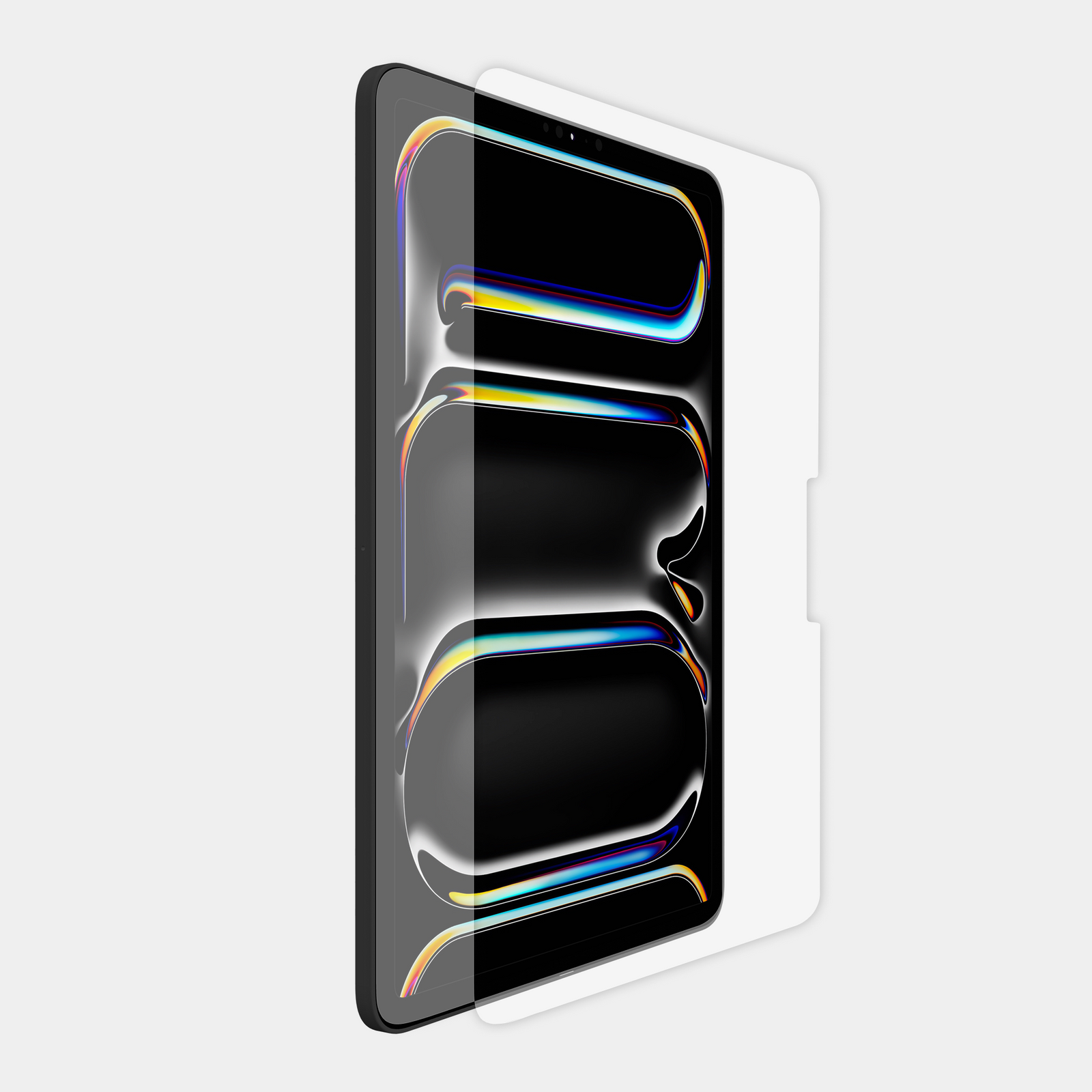
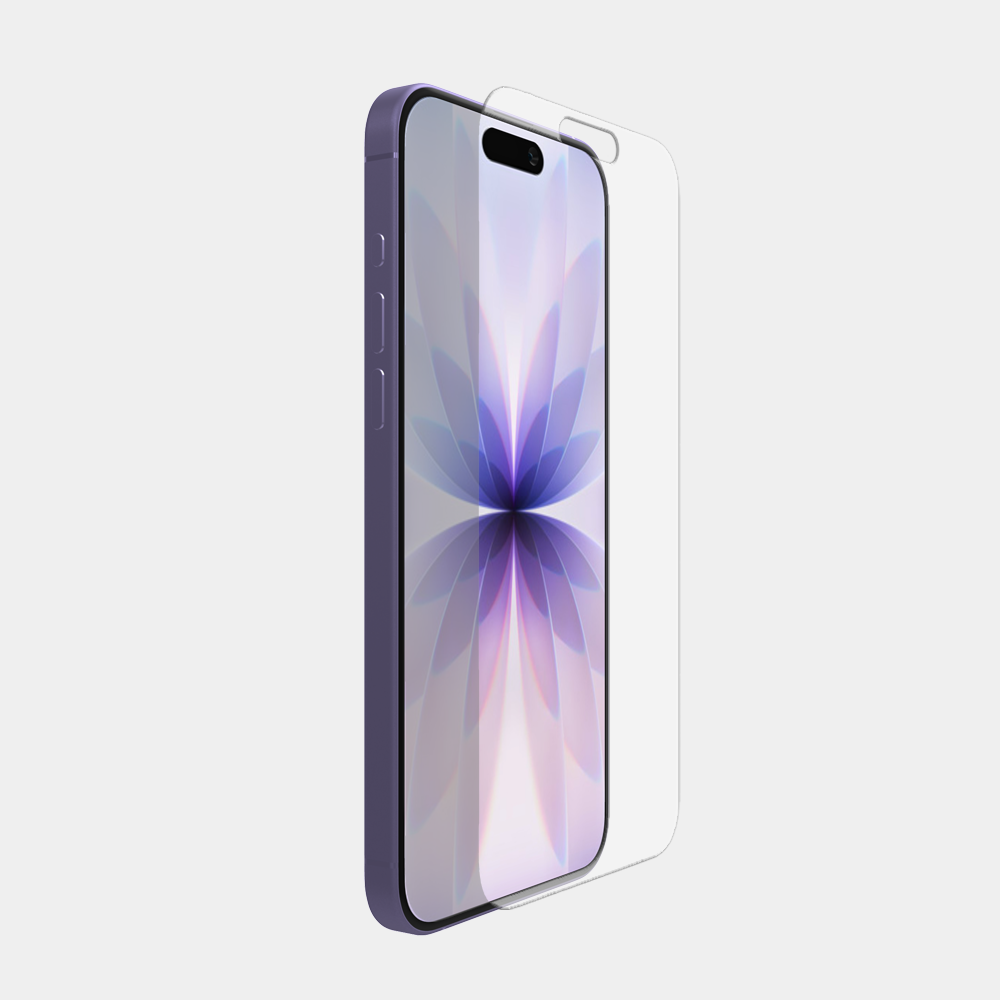
When it comes to screen protection, nothing is better than the feel and clarity of pure glass. ArmorGlas™ is like having no screen protector on at all - you won't even realize it's there. ArmorGlas™ is made of premium, ultra-thin tempered glass. It is designed to preserve the feel and clarity of the standard screen on your device while adding a substantial level of protection. ArmorGlas™ is made to protect the screen of your device from fingerprints and scratches and is very effective at absorbing impact to minimize the chance of shattering your display.
Use this guide to quickly determine which model and generation iPad you currently have. From here you can use our iPad list to ensure you order the correct device holder and screen protector.
Use this guide to quickly determine which model and generation iPad you currently have. From here you can use our iPad list to ensure you order the correct device holder and screen protector.

On some iPad models, find the model number on the back of your device. Google this model number to determine your iPad model and generation.
Use this information to select the correct MyGoFlight Device Holder or Armorglas Screen Protector.
On some iPad models, find the model number on the back of your device. Google this model number to determine your iPad model and generation.
Use this information to select the correct MyGoFlight Device Holder or Armorglas Screen Protector.